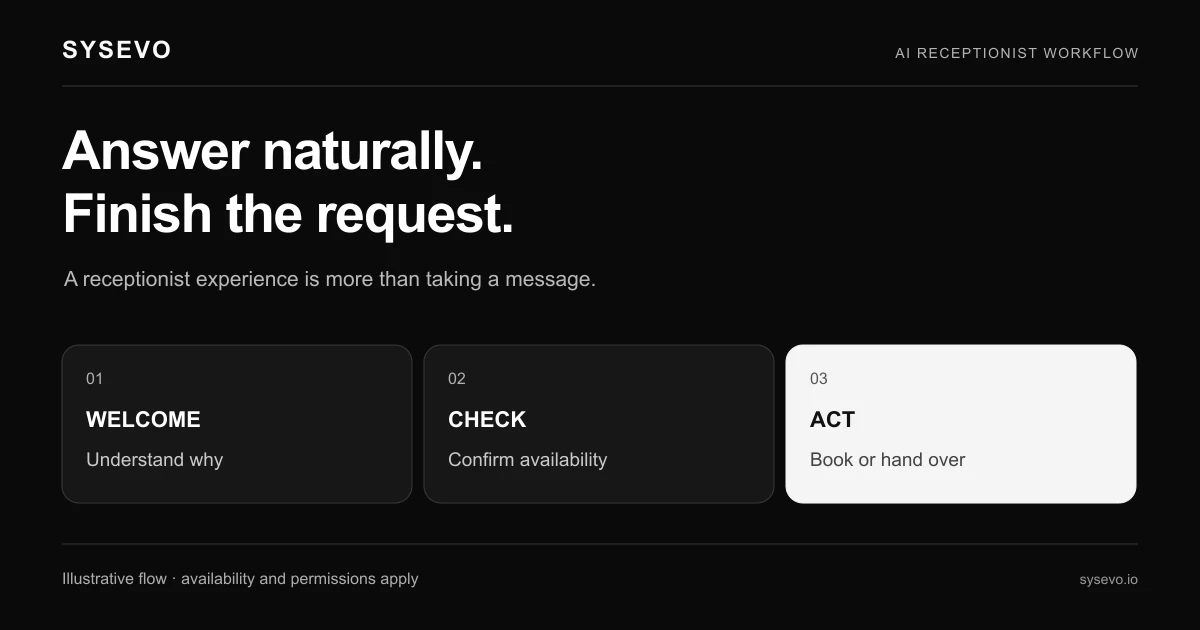
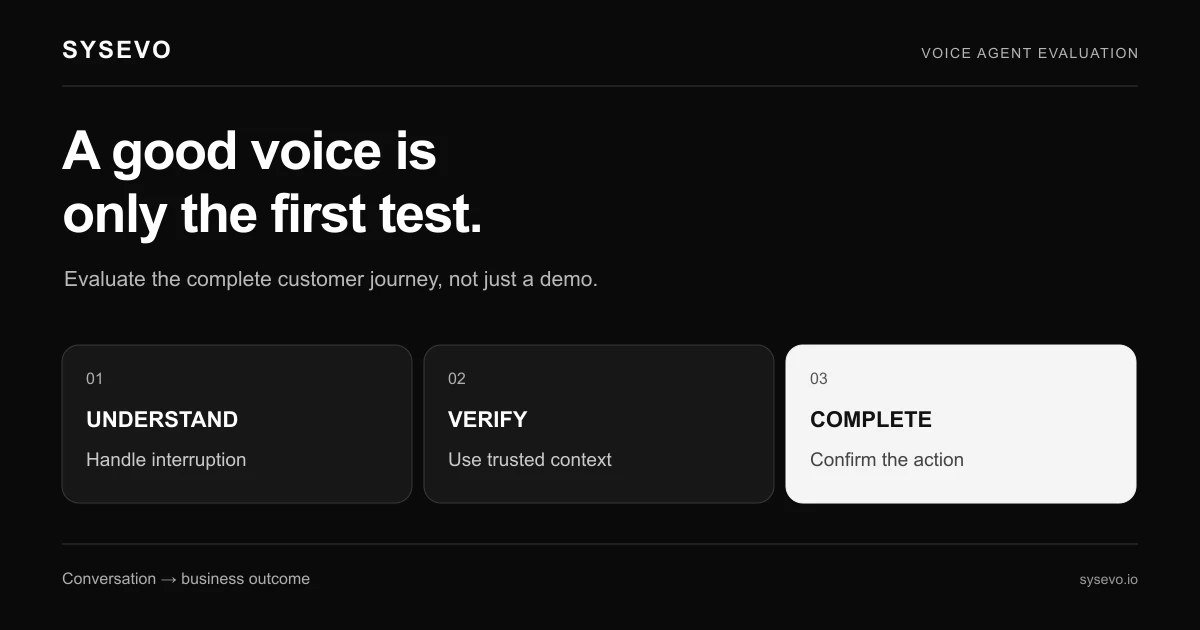
An AI receptionist like Zanus is a voice agent that answers your business phone, listens to the caller's reason for calling, and either handles the request or routes it to the right person. Unlike a traditional phone system that plays menu options, it converses naturally, captures details in your CRM, and can book appointments or take messages without human involvement. The core mechanism is simple: machine learning processes the audio in real time, a language model generates a response, and text-to-speech delivers it back to the caller, all within milliseconds.
The appeal is obvious for businesses that field repetitive inbound calls. A dental practice fielding "Do you have evening appointments?" thirty times a day, a plumbing contractor taking emergency calls at 11 p.m., or a law firm's intake line getting "How much does a consultation cost?" can offload those conversations entirely. The AI receptionist picks up on the second ring (human receptionists are rarely that consistent), asks clarifying questions, writes the details to your CRM, and hands off only the calls that genuinely need a person. For many small teams, that is genuinely valuable.
How an AI Receptionist Zanus Differs from Traditional Phone Systems
A traditional phone system uses DTMF menus (press 1 for billing, press 2 for support). Callers hate them. They are rigid, unintuitive, and force people to navigate a maze before reaching anyone. An AI receptionist like Zanus uses natural language processing instead. A caller says "I'd like to reschedule my appointment," and the system understands intent without menus. It asks "What day were you booked?" listens to the answer, then checks your calendar in real time. The experience feels like calling a human who knows your business.
Traditional systems also cannot write context to your CRM. They log a voicemail. An AI receptionist captures the caller's name, phone number, reason for contact, preferred callback time, and any other detail the agent asks for, then writes it all into a structured format your team can act on. A missed call becomes a CRM record with actionable information, not a voicemail someone may or may not listen to in three hours.
The key difference in training is also worth noting. A human receptionist needs two to four weeks to learn your business procedures, company policies, and how to handle edge cases. An AI receptionist can be trained on your FAQ, past call transcripts, and pricing in hours. Updates happen instantly. If your service fee changes tomorrow, the AI knows it tomorrow morning. A human receptionist learns about the change when someone tells them, and may still give old information for days.
What Tasks an AI Receptionist Zanus Can Actually Handle
An AI receptionist handles the call types that recur predictably. Appointment scheduling is the most reliable: the agent answers "I'd like to book a consultation," checks availability in your calendar system, confirms the time, sends a confirmation SMS, and hangs up. Zero human time invested. Operators in healthcare and wellness typically report that 40 to 60 percent of inbound calls are scheduling requests, so the time saved is material. A dental practice with four team members can absorb their daily calls without hiring a fifth person dedicated to the phone.
Information queries work well too. "What are your hours?" "Do you offer remote consultations?" "What payment methods do you accept?" The agent answers from a knowledge base you provide, and the call ends. A plumbing company that trains its AI on "We charge £85 for a callout, £95 after 6 p.m., £120 on weekends" will deflect dozens of quote calls per week. Callers get an answer without speaking to anyone, and your team gets uninterrupted work time.
Lead qualification also works. A prospect calls an agency website. The AI receptionist asks what services they need, what their budget is, and when they're looking to start. The agent writes all of that to the CRM tagged as "hot prospect" or "not qualified." Your sales team then works inbound leads that have already been vetted and warmed, rather than cold-calling and asking qualifying questions themselves. The efficiency gain multiplies when a team is small.
Where AI Receptionists Struggle and When to Skip Them
An AI receptionist will fail on anything ambiguous, emotional, or legally sensitive. If a caller is upset, an AI agent cannot truly empathise or make judgment calls about how to de-escalate. It will follow its playbook and often make things worse. A customer calling to complain about a billing error wants to vent and have a human apologise; an AI that says "I understand you're frustrated, let me transfer you" can feel dismissive and increase anger. For complaint handling, customer service recovery, or any conversation requiring emotional intelligence, a human is still the right tool.
Complex or novel problems also defeat the system. A prospect with a highly customized request that doesn't fit your standard offerings, a caller with a technical question that requires domain expertise, or someone asking for an exception will need a human. The AI agent will offer to transfer them, but the call has already taken twice as long as it should have because the machine tried to force the caller into a predefined flow. If more than 30 to 40 percent of your calls are truly novel or non-standard, an AI receptionist may not save you time.
There is also a real cost to setup and training. Building a knowledge base, writing conversation flows, integrating with your calendar and CRM, testing edge cases, and handling the first few weeks of false positives and misroutes all take time. For a solo business with fewer than five calls per day, the payoff is small. For a team fielding fifty calls daily, it is large. A practice that is already excellently staffed and rarely misses calls might spend money to solve a problem that does not exist.
Cost and Realistic Time Savings
Most AI receptionist platforms charge between £100 and £500 per month depending on call volume and features. A basic tier typically covers up to 300 to 500 calls per month with simple appointment scheduling. Mid-tier plans go up to 2,000 calls per month with more complex workflows and integrations. Enterprise plans are custom. Zanus pricing follows this pattern, though exact figures depend on your setup and negotiation. The cost is fixed whether you take fifty calls or five hundred, which creates genuine savings for high-volume operations and wastes money for low-volume ones.
Time savings are easier to quantify than cost savings. A small business that pays a part-time receptionist £15 per hour to answer phones for 20 hours per week is spending roughly £300 per week or £1,200 per month. If an AI receptionist handles 60 percent of that call load, that is 12 hours per week freed up, worth £180 per week or £720 per month. Subtract a £200 monthly software fee and the net savings is £520 per month. Scale that to a practice with two receptionists and the math becomes compelling: £3,000 per month in salary time freed up against £300 to £400 in software cost.
The hidden time savings are in follow-up. A human receptionist takes a message; your team reads it later and calls back. An AI receptionist writes structured data to your CRM and can even trigger automated follow-ups. A prospect who declined a quote today gets an email tomorrow reminding them of your offer. That automation compounds over months and creates lead recovery that humans simply do not have bandwidth to do manually. Operators we work with report that the CRM integration produces unexpected efficiency gains beyond just call handling.
Integration with Your Existing Business Systems
An AI receptionist only saves time if it connects to your calendar, CRM, and booking system. A standalone voice agent that takes information and does nothing with it is a curiosity, not a tool. Most platforms, including Sysevo, offer built-in CRM features, which means the call data stays within one system and does not need manual entry or API gluing. Calendar sync allows the agent to check real availability (not just your hours), book slots directly, and send confirmations without human intervention. The setup involves credentials, testing, and usually a day or two of configuration.
Some integrations are harder than others. A practice running custom-built software or a legacy system may find that the AI receptionist vendor does not offer a direct connection. In that case, Zapier or similar middleware can bridge the gap, though it adds latency and another dependency. Integration complexity is worth asking about before signing: a vendor that promises seamless connection to "any CRM" may mean you have to do custom development yourself. The book a call option at Sysevo includes integration review as part of the discovery, which saves time if you have an unusual system.
Data security is also a factor. Any system that touches your caller phone numbers and business information needs encryption, GDPR compliance (if you operate in Europe), and clear data retention policies. Most enterprise-grade AI receptionist platforms meet these standards, but it is worth verifying before signup. Confirm that call recordings are encrypted at rest, that transcripts are not used to train the model on your data, and what happens to information after 90 days. A vendor that hand-waves these questions is a risk.
Real-World Scenarios and Expected Outcomes
Scenario one: a dental practice with four staff members taking 80 to 100 calls per day. About 55 percent are appointment requests, 25 percent are questions about pricing or procedures, 15 percent are emergencies, and 5 percent are complaints. An AI receptionist handles the 80 calls in the first two groups, freeing up one team member's full-time phone duty. That person moves into treatment coordination or patient follow-up, roles that grow revenue. The practice pays £250 per month for the software and recovers that within two weeks of savings. Setup took one week. Outcome: one hire avoided, customer wait times reduced from average 8 minutes to instant pickup.
Scenario two: a solo freelance consultant with twenty to thirty calls per month, mostly prospects asking about rates and availability. An AI receptionist handles all of these, writes qualified leads to the CRM with budget and timeline noted, and books calls directly. The consultant no longer touches the phone until the prospect is already on a call. Time saved is real but modest, maybe three to four hours per month. The software costs £100 to £150 per month, so the ROI is poor. This consultant should skip it.
Scenario three: a plumbing company with two emergency lines taking 200 calls per day. Half are new leads, half are existing customers. The AI receptionist asks new callers about location, type of emergency, and preferred time window, writing everything to the CRM and assigning jobs to the team automatically. This cuts the time office staff spends on initial triage from 45 minutes per day to about 10. One less hire needed, and emergency response time drops because jobs are pre-screened. Cost is £400 per month; savings are two part-time salaries avoided. Payback is four weeks.
Choosing the Right AI Phone Agent for Your Business
Start by counting your call volume and categorizing call types. If you take fewer than fifty calls per week, an AI receptionist is likely too expensive for the benefit. If you take more than two hundred per week and 60 percent of those are routine (scheduling, pricing questions, information), an AI receptionist is probably a must-have. In the middle range, the economics depend on your staff cost and how much you value the non-financial benefits like faster response time and better data capture.
Next, evaluate the platforms by integration breadth and ease of setup. A vendor that integrates natively with your calendar, CRM, and payment system will save weeks of back-and-forth and reduce the chance of data silos. Platforms that require custom API work or lack documented integrations will cost more in time and money even if the software itself is cheaper. Ask for a live demo with your exact system, not just screenshots. Read reviews from businesses in your industry, not generic AI coverage.
Finally, consider your team's capacity to train the agent and iterate. An AI receptionist needs an initial knowledge base (your FAQ, pricing, policies, scripts), ongoing updates (new services, policy changes), and monitoring (listening to calls, fixing misroutes, retraining on failures). A team with someone dedicated to this will see better results. A team that deploys the AI and ignores it will see frustration. If you do not have bandwidth for a weekly check-in and monthly refinement, wait until you do, or choose a vendor with managed services. Platforms that offer white-label options or dedicated support can absorb some of this work.
Frequently Asked Questions
Can an AI receptionist really sound human?
Modern text-to-speech has improved dramatically, but trained listeners can often detect the difference. The voice sounds natural until the agent pauses awkwardly or repeats a phrase. Most callers do not mind once they realise they are talking to an AI; they just want their problem solved quickly. If sounding human is critical to your brand, test the specific voice and technology before committing.
What happens if the AI receptionist does not understand a caller?
The agent has fallback logic. It can ask clarifying questions, apologise and offer to transfer, or escalate to a human. The quality of the fallback depends on how well you configure it. A poorly trained agent transfers every confused call; a well-trained one handles misunderstandings by re-phrasing and trying again. Always listen to sample calls before signing up.
How long does it take to set up an AI receptionist?
Basic setup (connecting your calendar, loading FAQs, testing scripts) typically takes one to two weeks. Complex integrations with legacy systems can take four to six weeks. Most platforms offer onboarding support to speed this up. Plan for two to three hours of your time per week during setup, plus one full day of testing and training.
Do I need to pay a setup fee or is it just a monthly subscription?
Most vendors charge monthly subscriptions with tiered pricing based on call volume. Some charge setup fees (typically £500 to £2,000) if you need custom integration or training. Always clarify what is included in the base fee and what costs extra before signing. Monthly-only vendors are often more flexible for trial periods.
What data does the AI receptionist collect, and who can see it?
The agent captures whatever you configure it to capture: name, phone, email, call reason, preferred callback time, appointment details, and so on. All of this writes to your CRM and is visible to your team. Call recordings are typically stored for 30 to 90 days and encrypted. Confirm retention and deletion policies with your vendor, especially if you handle sensitive information like health data or legal cases.
Will an AI receptionist work if my business is highly specialized?
It depends on how much of your call volume is routine versus novel. A neurosurgeon's office with callers asking about clinic hours and insurance will find it useful. A neurosurgeon whose callers routinely ask about complex surgical options will find it frustrating. Most specialized businesses benefit from hybrid deployment: the AI handles simple queries and triage, humans handle the expert questions.
If you are ready to test whether an AI receptionist fits your operation, book a call to discuss your specific call patterns, volume, and integration needs. A 20-minute conversation will clarify whether the investment makes sense for your business, and what the realistic timeline and cost would be.