HubSpot layoffs in 2024 marked a significant shift in how CRM teams approach staffing and automation. When headcount contracts, organisations face immediate gaps in call coverage, lead qualification and follow-up scheduling. This article examines how those gaps emerge, what automation can and cannot solve, and how to evaluate AI voice technology in the context of reduced team capacity. This is an independent buyer's guide from Sysevo, which is not affiliated with HubSpot. Feature sets and pricing change often, so confirm current details directly with any vendor.
Understanding the Staffing Gap HubSpot Layoffs Created
When a company reduces headcount, the first casualty is usually the work that was never fully tracked. In customer-facing roles, that means incoming calls that no one answers. A mid-size SaaS team might have fielded inbound calls across three roles: a sales operations person who captured prospect details, a customer success lead who triaged support requests, and an administration assistant who booked follow-ups. When one of those roles disappears, the remaining two staff absorb the load, and calls begin to slip. For illustration, imagine a B2B software company that receives 30 calls a week. Before layoffs, one team member dedicated 60% of their time to call intake. After headcount reduction, that same person has no discretionary time left. Calls that arrive during focus work or lunch go unanswered. If one in four of those missed calls would have resulted in a qualified lead conversation worth £400 to the pipeline, every week of missed calls costs the business approximately £3,000 in lost opportunity.
The challenge is not that the calls stop. It is that the friction increases. A prospect who reaches a human on the first or second ring, has their need understood, and receives a callback with a time slot booked is three times more likely to keep that appointment than one who hears a voicemail greeting, leaves a message that sits for 36 hours, and receives an email confirmation instead. Automation does not replace relationship-building. It replaces the administrative bottleneck that sits between the caller and the follow-up.
How AI Phone Agents Fill the Staffing Gap
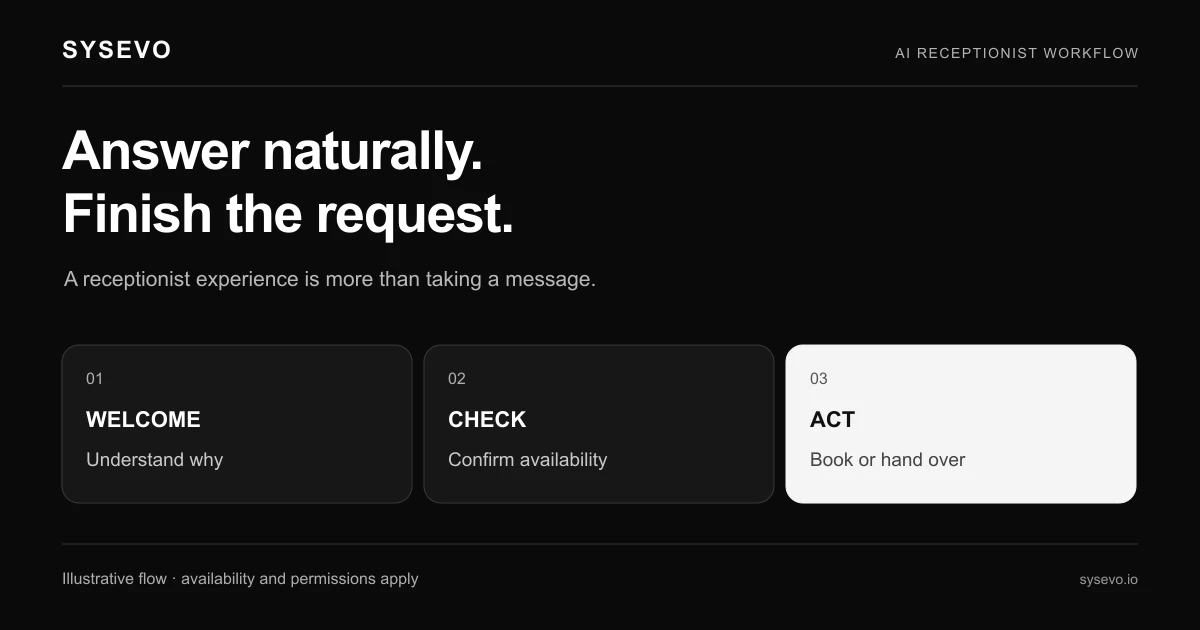
An AI receptionist answers on the second ring, every time, regardless of how many calls arrive simultaneously. It captures the caller's name, reason for contact, phone number and preferred callback time in 60 to 90 seconds. It writes that information directly into your CRM, so the next human who works that lead has full context. No voicemail transcription lag, no sticky notes, no email forwarding chains. The technology works by recognising patterns in speech, extracting key facts, and following a branching decision tree. If a caller says they are calling about billing, the AI routes them one way. If they say they want to schedule a demo, it routes them another. The capability is narrow and task-specific, which is why it works. An AI receptionist is not trying to negotiate a contract or build rapport. It is trying to answer three questions: Who is calling? Why? When can we follow up? Those are mechanical tasks, and the machine is better at the mechanics than an exhausted team member who is also managing email, Slack and a backlog of urgent requests.
The second benefit is consistency during off-hours and peak periods. A sales team that normally works 9 to 5 can take calls at 7 a.m. or 10 p.m. without hiring night staff. During a product launch when call volume doubles, the system handles the spike without asking anyone to work overtime. The automation does not get tired, does not miss detail because they are stressed, and does not forget to write the callback number in the CRM. From a staffing perspective, this is the real win: it decouples call volume from payroll.
When AI Phone Agents Miss the Mark
The technology has hard limits that matter. An automated receptionist cannot negotiate pricing, handle a customer complaint that requires empathy, or make a business decision. If a caller becomes argumentative, the system has no judgment to fall back on. It will offer to loop in a human, which is correct, but that still requires a human to be available. The machine also struggles with accents, background noise and speech patterns that fall far from its training data. A Scottish accent, a thick Mumbai accent or someone speaking from a busy warehouse will all pose difficulty, and the system may ask for clarification repeatedly. That frustrates callers and wastes time. The technology also cannot learn mid-call. If a prospect mentions a detail that contradicts the information they gave 30 seconds earlier, the AI does not catch it or ask for clarification. It accepts what it hears and moves forward.
The cost-benefit calculation breaks down in very small teams or very low call volume environments. If your business receives two calls a week and one team member can answer their phone, automation adds friction rather than removing it. The setup time, the trial-and-error tuning, and the monthly recurring cost are not justified. Equally, if your business requires complex qualification conversations where a prospect needs to explain a bespoke technical problem before routing can happen, the AI will struggle to route accurately. Sales teams that deal with complex B2B consultative selling often find that automated systems create more work by misrouting calls or over-qualifying leads that should have reached a human faster.
Building Resilient Call Handling After Organisational Shifts
The real strategic question is not whether to adopt AI voice technology, but when and how to integrate it with remaining staff rather than using it as a full replacement. A common mistake is to deploy an automated receptionist as a way to eliminate a role entirely. That rarely works. A better use case is deployment as a triage layer that handles 80% of the mechanical work, freeing your team to spend their time on the 20% that requires judgment. For illustration, suppose a customer success team of five people once fielded 100 support calls a week. After layoffs, it is now three people. Adding an AI receptionist that captures caller details and categorises their issue by severity means those three people start each shift with a prioritised queue and full context. They spend 40% less time on intake and 60% more on actual resolution. That is not the same as having five people again, but it is materially better than three people drowning in intake work.
Integration with a CRM that has built-in call data matters far more than most teams realise. If your AI receptionist captures caller information but that information lands in a silo separate from your CRM, you have not solved the problem. You have created a new one. Look for systems where call summaries, transcripts and caller intent flow directly into your contact and opportunity records. That integration is what turns call automation from a convenience into a strategic reduction in staff overhead.
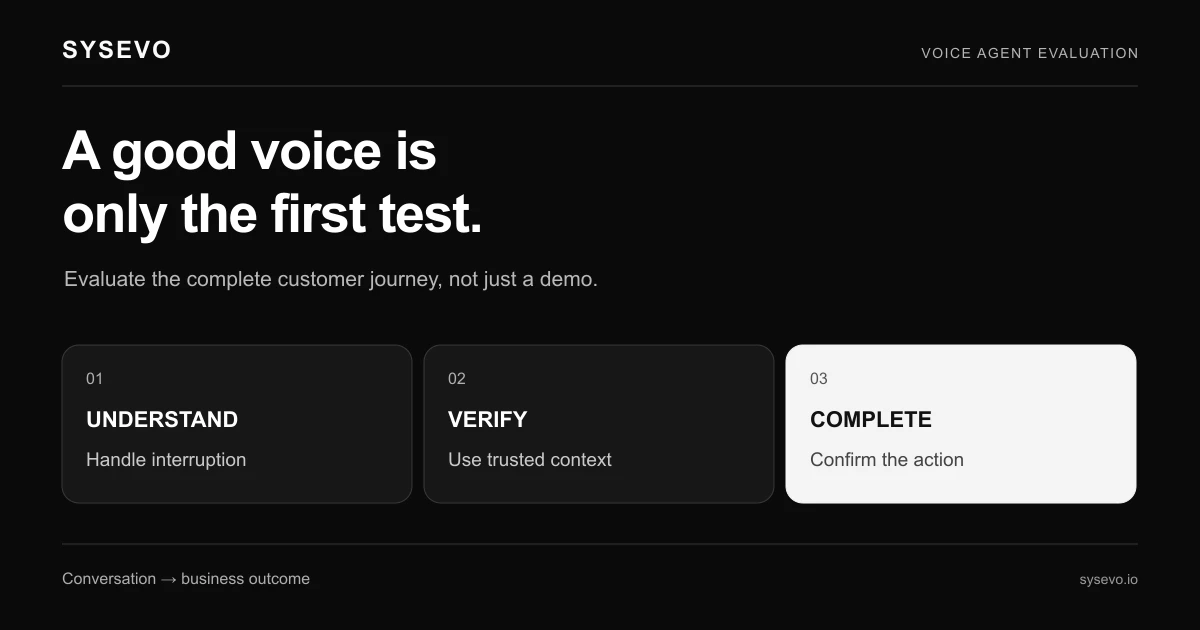
To evaluate whether AI phone agents make sense for your team, book a call with our team or review the available plans to understand cost and capability. Test the system with your actual call patterns for at least two weeks before committing. Measure three things: how many calls it successfully handles without human intervention, how often humans report it gave them incomplete or wrong information, and whether callers report frustration with the system. If any of those three numbers is poor, the technology is not ready for your use case yet.
Frequently Asked Questions
Does an automated receptionist replace a customer service role entirely?
No. An AI phone agent handles call intake, information capture and basic routing. Complex problem-solving, complaint resolution and judgment calls still require humans. Most effective deployments use automation to reduce administrative work so existing staff can focus on higher-value tasks.
How long does an AI receptionist take to set up after HubSpot layoffs?
Setup depends on your call volume and routing complexity. A simple system that answers calls and captures basic details takes one to two weeks to configure and test. Complex routing with multiple departments or conditional logic takes four to eight weeks to tune properly.
What happens if the AI receptionist gives a caller wrong information?
The AI follows a decision tree you configure. If you programme incorrect routing rules or the AI mishears a caller's request, incorrect information flows to your team. This is why testing with real call patterns matters. Wrong information in your CRM is worse than no automation at all.
Will an AI phone agent work for B2B complex sales?
Partially. An AI receptionist works well for qualifying inbound interest, capturing basic needs and scheduling callbacks. Complex discovery conversations where a prospect needs to explain a bespoke problem usually require a human to avoid misrouting or frustrating the caller.
How much does an automated receptionist cost compared to hiring staff?
Check current pricing with individual vendors, as costs vary significantly. The general principle is that automation costs a fixed monthly fee plus per-minute charges for call time. Compare that to a part-time or full-time salary, benefits and training time for the role it would replace. Break-even usually occurs at 50 to 100 calls per week.
Can an AI phone agent integrate with my existing CRM?
Integration capability varies by platform. Some systems have native integrations with major CRM platforms; others require manual data export or third-party middleware. Ask any vendor to confirm integration with your specific system before signing a contract.
Independent buyer's guide published by Sysevo. Sysevo is not affiliated with, endorsed by, or partnered with HubSpot, and HubSpot is the trademark of its owner. Product details change often, so confirm anything that matters to your decision with the vendor directly before you buy.