An AI call center platform answers inbound calls using voice AI, captures the caller's intent, writes it to your CRM, and often books follow-ups or routes high-priority calls to your team. If you are looking at AI call center Zanus or similar platforms, this guide explains what the technology actually does, where it works well, and how to evaluate it for your own operation. This is an independent buyer's guide from Sysevo, and Sysevo is not affiliated with Zanus. Always confirm current details with the vendor directly.
How AI Call Center Automation Actually Works
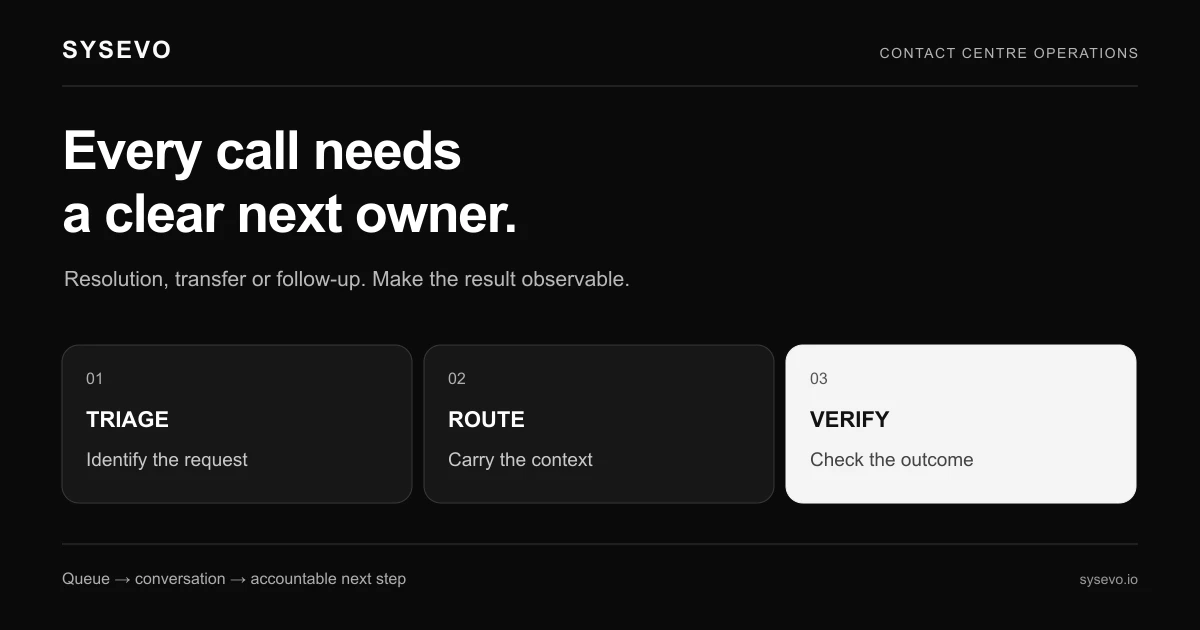
An AI call center system operates in a chain: the call arrives, the AI agent picks up within one or two rings, asks a qualifying question or two, listens to the caller's response, and makes a decision. That decision might be to book an appointment, gather a quote request, route the call to a live agent, or record the lead for follow-up. Each step writes to your CRM in real time. The technology fails at points where it cannot understand the caller (thick accents, background noise, ambiguous requests) or where the business logic is unclear (when to book versus when to escalate). The cost depends on call volume and geography; most platforms charge per minute of AI conversation or a fixed monthly rate for a call limit.
The core advantage is speed and coverage. A five-person team cannot answer every call immediately, especially during peak hours or after 5pm. An AI agent answers the second ring, every time. For example, imagine a medical practice that receives 40 calls a day. Without automation, a receptionist handles 30 and misses 10. Of those missed calls, one in four would have booked an appointment (a £150 consultation fee). That is 10 lost appointments a week, or £1,500 in unrecovered revenue. An AI call center captures most of those, though some callers will hang up rather than speak to a machine. The real measure is how many bookings you actually gain after launch, not how many calls the system handles.
What AI Call Center Zanus and Competitors Handle Well
Voice AI handles straightforward, repeatable interactions. A caller phones about availability, and the AI checks your appointment book and offers slots. A customer calls with a billing question, the AI looks up their account, and either resolves it or routes them to a specialist. These flows work because the decision tree is narrow and the required information is structured. Integration with your CRM and calendar system is where the real work happens; the AI is only useful if it can actually see your availability and write the booking to the right place.
The best use cases sit at high-volume, low-complexity boundaries. A dental practice with 200 calls a week for appointment booking, a plumbing contractor taking emergency callouts, a recruitment firm screening CVs over the phone, an insurance company handling status enquiries. In each case, the AI handles the same question dozens of times a day, learns the right answer, and offloads the receptionist's time toward higher-value work. When calls require judgment, empathy or access to complex information, a live agent is still faster and better, and the AI should recognise that and escalate.
Where AI Call Center Automation Fails
The technology breaks down in three places. First, when the caller's intent is ambiguous or requires context the AI does not have. A caller says "I need to speak to someone about my order," but you sell 50 products and the AI cannot reliably identify which one from a description. Second, when the call requires empathy or negotiation. A customer is upset about a delay and wants reassurance; the AI will not defuse that. Third, when your business logic is not actually clear enough to automate. If your team says "we want to capture all enquiries but book only if the caller meets these criteria," but your team actually makes that decision differently each day, the AI will either book the wrong people or not book anyone.
Geographic accents and background noise are real obstacles. If your callers are in a region with strong regional accents or often call from loud environments (building sites, factories), the AI's speech recognition accuracy drops. You should test this in a trial, not assume it will work because it worked for someone else. The same applies to jargon specific to your trade; if callers use abbreviations or technical terms, the AI needs training data to learn them.
Evaluating AI Call Center Platforms
Start by confirming what each vendor publishes about pricing, integrations, and limits. Check the vendor's own pricing page for cost structure (per-minute or per-month), the documentation for which CRM systems are supported natively, and the trust or security page for compliance certifications your industry requires. Do not accept paraphrasing or assurances from a salesperson; ask for written confirmation of any claim before you commit budget.
Run a trial with real call volume from your own business. Set up a call centre automation system to handle one specific flow (appointment booking, for instance) and measure three things: the percentage of calls the AI answers completely without escalation, the accuracy of the information written to your CRM, and the number of genuine bookings that result. Do this for at least two weeks and across your peak-volume times. If the accuracy of CRM writes drops below 90%, or if fewer than 50% of calls complete without escalation, investigate why before expanding. Ask your team which calls the AI handled well and which it fumbled; that feedback is more reliable than any metric a vendor quotes.
Decide in advance what your fallback is. If the AI cannot handle a call, does it route to a live agent, play a voicemail prompt asking the caller to email you, or simply hang up? Each choice affects customer experience. A practice might prefer to miss a call than to transfer it during hours when no one is at the desk. A contractor needs the caller to reach a live person or leave a voicemail so the job does not disappear. Test all three options in your trial; do not launch with a fallback you have not validated.
If you are comparing vendors, compare Sysevo and Zanus to see how different built-in CRM approaches and call-handling workflows differ in practice. Sysevo's AI voice agents include persistent caller memory, so the system improves with each repeat caller; some competitors require manual training or do not retain context across calls. That is not a universal advantage (some businesses prefer stateless calls), but it is a real difference to measure in your trial.
To discuss which approach fits your operation, book a call with our team or review Sysevo's available plans to see if the feature set aligns with your needs. Many businesses benefit from starting with outbound campaign calling to build confidence before rolling out inbound automation.
Trade-offs and When AI Call Centers Are the Wrong Choice
Do not implement an AI call center if your call volume is below 10 calls a week. The setup cost and integration work do not pay back on so few calls. Do not implement if your service is not repeatable; if every call is unique and requires a live conversation, the AI will frustrate callers and your team will override it constantly. Do not implement if your business logic is not stable; if your pricing, availability, or booking criteria change weekly, the AI becomes a liability rather than an asset because you will spend more time retraining it than answering calls yourself.
The customer experience trade-off is real. Some callers will hang up rather than speak to a machine, especially if the AI misunderstands them once. Older demographics and callers with disabilities often prefer a live voice. If your customer base is heavily weighted toward callers who value personal interaction above speed, an AI system might harm retention even if it technically handles more calls. Measure this in your trial by asking follow-up customers whether they were satisfied with the experience; do not rely on system metrics.
Frequently Asked Questions
How fast does an AI call center system need to pick up calls?
Aim for within two rings, ideally one. Callers expect a live voice or an obvious AI greeting within 5-6 seconds. Any longer and they assume they have reached an answering machine and may hang up. The system should introduce itself clearly as an AI agent, not attempt to impersonate a human.
What integrations should I check before buying?
Confirm native integration with your CRM, your calendar or appointment system, and any tools your team uses to dispatch work (for trades, this is often a job management platform). If the vendor only offers API-level integration, you will need a developer to wire it up. Ask for a full list of supported systems and request a reference from a customer using your exact stack.
Can an AI call center handle calls in languages other than English?
Most platforms support major languages, but accuracy varies significantly. If your callers are multilingual or speak English as a second language, test this in your trial with real recordings from your customer base. Do not assume a vendor's demo clips are representative of your actual call quality.
What happens if the AI makes a booking error?
This is why CRM accuracy matters. If the AI books an appointment at the wrong time or writes the wrong phone number, your team will discover it when they prepare for the call. Build a daily or weekly review step into your workflow to catch these errors early. The best platforms allow your team to flag mistakes so the AI learns not to repeat them.
How long does it take to set up an AI call center system?
A basic setup (call routing, one appointment-booking flow, CRM integration) typically takes two to four weeks, including time for your team to test and refine. Complex setups with multiple workflows, custom routing logic, or bespoke integrations take longer. Ask the vendor for a realistic timeline based on your specific configuration.
Will an AI call center reduce my staff headcount?
Rarely to zero. Instead, it redeploys your team. A receptionist who spends 60% of their day answering routine calls can spend that time on follow-up, admin, or higher-value customer work. In some cases, you can delay hiring a new receptionist when call volume would have forced it. Do not expect to fire staff as a direct result of deploying AI.
Independent buyer's guide published by Sysevo. Sysevo is not affiliated with, endorsed by, or partnered with Zanus, and Zanus is the trademark of its owner. Product details change often, so confirm anything that matters to your decision with the vendor directly before you buy.