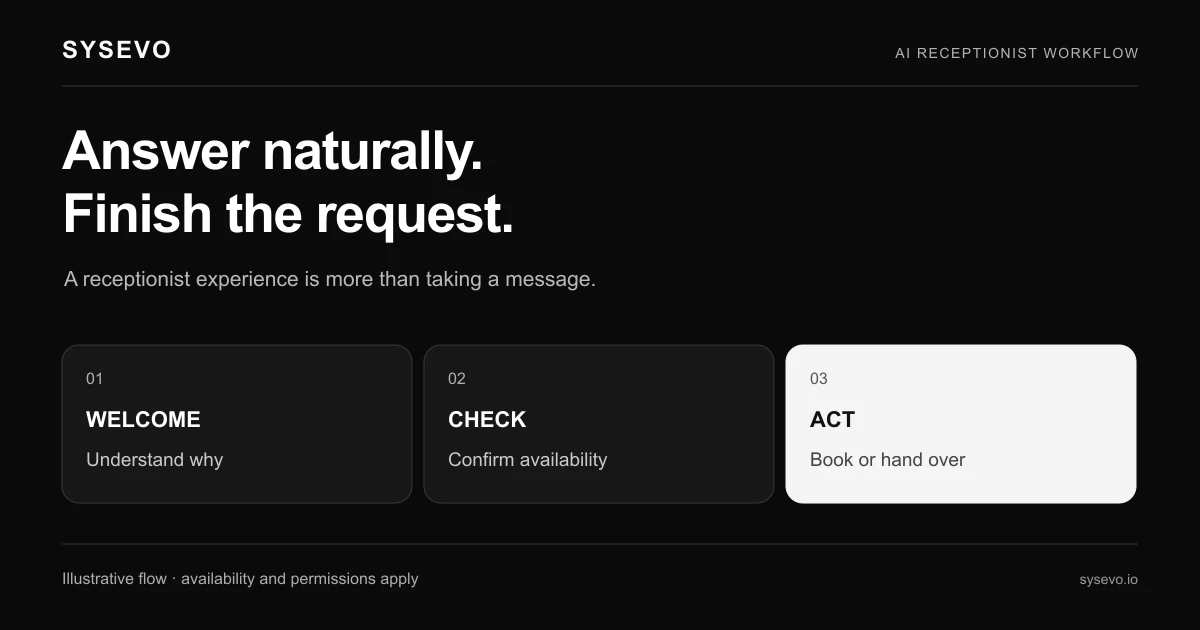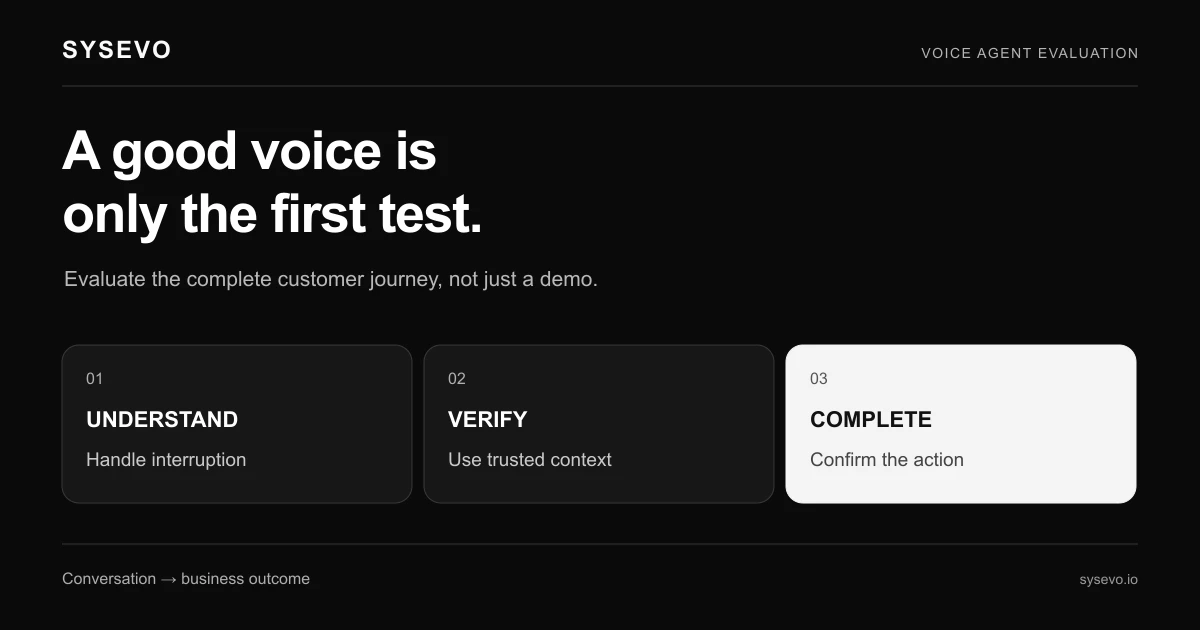
An appointment setter should confirm a booking only after the appointment has been saved in the right calendar. If you are evaluating Zanus AI for appointment setting, make that your first acceptance test. Then check changes, cancellations and what happens when the calendar cannot be reached.
Independent buyer's guide from Sysevo, a competing provider. We are not affiliated with Zanus AI. This is a workflow evaluation guide, not a hands-on product review. Vendor sources checked on 1 November 2026; confirm current terms directly.
Define what appointment setting means for your business
There are several possible outcomes: collecting a preferred time, sending a booking link, reserving a slot or confirming an appointment. Write down which one you need. Otherwise a successful lead-capture demonstration can be mistaken for a completed booking workflow.
The official Zanus AI Booking page describes booking through calls and other channels, live calendar availability, confirmation and reminders. It also names Google and Outlook calendar connections. Confirm the current module scope and relevant plan against the pricing source. These are published vendor descriptions; this guide does not claim that we have tested those connections.
Give the agent a booking policy, not just a calendar
List appointment types, lengths, buffers, staff availability, locations and minimum notice. Decide whether a caller can choose a staff member, whether travel time matters and which requests require review. A free half hour is not automatically a valid appointment.
Use a simple rule sheet that reception and the implementation team can both read. Include examples of requests that should be declined or escalated. If the business offers consultations and paid visits, specify how callers are told which kind they are arranging without inventing payment or cancellation terms.
Test the calendar across the entire appointment lifecycle
| Scenario | What to check afterwards |
|---|---|
| Caller accepts an offered time | One saved appointment with the correct type, owner and location |
| Caller changes their mind mid-call | The final choice is saved without leaving an unwanted reservation |
| Existing appointment is moved | The original is updated or released according to policy |
| Caller cancels | The correct event changes and staff can see the cancellation |
| Another user takes the offered slot | Fresh availability is checked and an appropriate alternative is offered |
| Calendar write fails | No false confirmation; a clearly assigned follow-up remains |
Use test contacts and calendars agreed with the vendor. Check the saved event as a staff member rather than relying on the agent's final sentence. Where notifications are in scope, inspect what the caller and staff receive after both a booking and a cancellation.
Remove ambiguity around dates and identity
Test a caller in another time zone and a request phrased as “next Friday afternoon.” The conversation should establish an unambiguous date, local time and location before confirmation. Include a daylight-saving boundary if it is relevant to your service area.
For changes to an existing booking, agree how the caller is identified. A shared household or business phone number can match more than one person. The workflow should follow your verification process and avoid revealing unrelated appointments while trying to find the right one.
Measure usable bookings rather than promises
Track confirmed appointments, booking requests awaiting staff action, duplicate events and manual corrections separately. Review abandoned conversations and unsuccessful transfers as well. Staff time spent repairing bookings belongs in the operating cost.
Calculate cost per valid booking and cost per attended appointment separately. The Sysevo ROI calculator can help organise a broader cost discussion; replace assumptions with pilot evidence. Neither booking metric alone proves additional sales: some callers would have booked through another channel. Compare similar enquiry categories and allow appointments time to occur before assessing attendance.
Use the same script when evaluating Sysevo
Explore Sysevo scheduling alongside voice agents and CRM. Bring your rule sheet and calendar requirements to a workflow demonstration. Ask both providers to show the saved events and failed-booking handoffs, then choose on the evidence from your own scenario.
Questions buyers ask
Is collecting a preferred appointment time a confirmed booking?
Only describe it as confirmed when the booking has been accepted and saved in the authoritative system. Otherwise label it as a request awaiting confirmation.
Which calendar tests should come first?
Start with creating, changing and cancelling a test appointment. Then test an unavailable slot, an ambiguous date and a failed calendar update.
How should appointment-setting costs be compared?
Include setup, subscription, usage and staff corrections. Divide by valid bookings, and calculate attended appointments separately once they have occurred.
Related buying guides