Zanus AI Front Office and Back Office are different product scopes. Establish which one your quote covers before comparing prices: customer-facing calls and bookings are a different purchase from internal work on an on-premises system.
Independent buyer's guide from Sysevo, a competing provider. We are not affiliated with Zanus AI. This is not a hands-on product review. Official sources checked on 1 November 2026; confirm current product and contract details directly.
What the official product descriptions distinguish
The Zanus homepage separates its Front Office customer workflows from Back Office work inside the business. The page describes the on-premises Back Office offering in terms of a permanent software licence and a unit inside your building. The Front Office pricing page loads a live price view. These descriptions do not establish the complete amount or terms of your proposed purchase.
Avoid treating a hardware or licence quote as the price of an equivalent hosted phone service. First match the actual work and deployment responsibility. A business might need only incoming enquiries, only internal document workflows or a combination, with different costs for each.
Separate the jobs before requesting an amount
Write two short requirement lists. For the customer-facing list, include answering, qualification, booking, transfers and the staff follow-up record. For the internal list, include the documents, permissions, tasks and processes you intend to automate. Identify which items are mandatory and which are later possibilities.
Ask the vendor to mark each item against a named product or module. Keep anything not demonstrated as an open requirement. A presentation showing a broad suite is not evidence that every module, connection or deployment option is included in one price.
| Quote component | Question to settle |
|---|---|
| Product scope | Which Front Office and Back Office modules are included? |
| Deployment | Who provides, installs and operates the proposed infrastructure? |
| Usage | Which calling, messaging, model or other consumption charges apply? |
| Implementation | What work is required for knowledge, connections and staff training? |
| Support and exit | Which updates, assistance, exports and termination terms are included? |
Compare first-year cash and recurring operations separately
Record upfront hardware, software and implementation separately from recurring subscriptions and usage. Include internal time for setup, access administration, backups and support where that responsibility falls to your team. Confirm tax, currency and contract duration on every proposal.
For an illustrative calculation, suppose one proposal has an upfront cost of £3,000 plus £200 a month, while another costs £500 a month with no upfront amount. Their first-year totals are £5,400 and £6,000 before other costs. These invented figures demonstrate arithmetic, not vendor prices. The lower first-year total does not establish equivalent features, service or risk.
Ask what a permanent licence actually covers
Request the licence scope, updates, support, hardware replacement and any third-party dependencies in writing. Ask how the system is restored after a machine failure and who performs that work. Clarify whether a licence can move to replacement equipment and what happens when the business adds users or locations.
If a proposal includes local processing, identify which parts of the complete workflow still use outside services. Telephone connections, messages and external integrations need their own explanation. Use the written architecture and contract to establish scope instead of inferring that all data stays local from a product label.
Run one acceptance test for each product you need
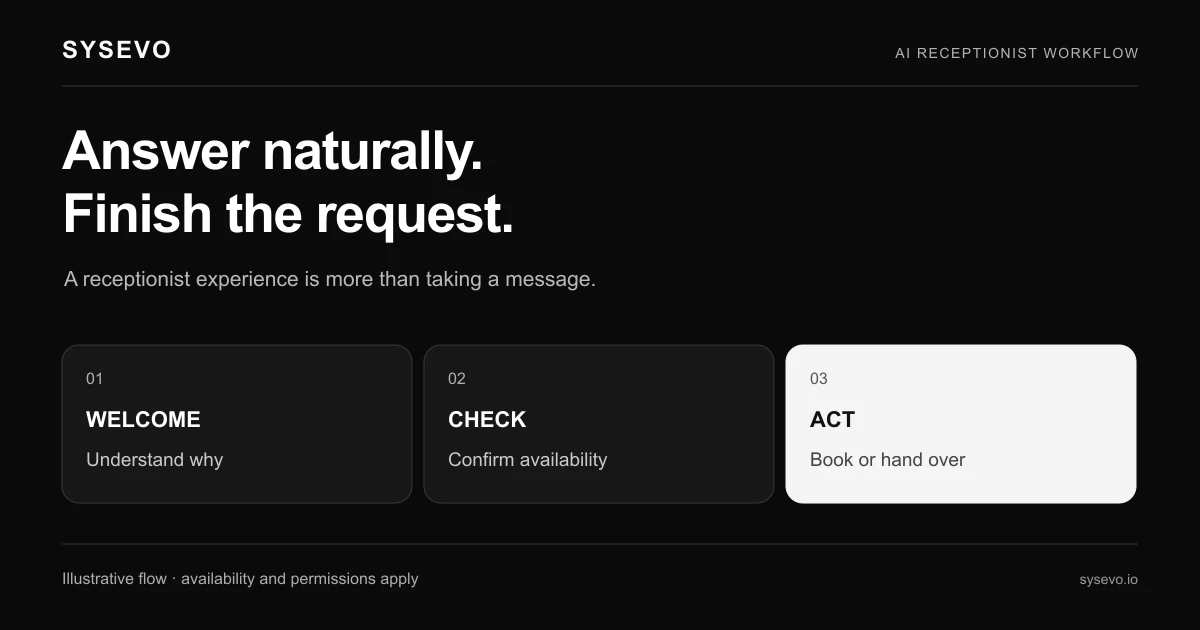
For reception, test a caller requesting an unavailable appointment and asking for a person. Inspect the booking or callback record. For an internal workflow, use a fictional document and confirm that the authorised staff member can find the output while an unauthorised account cannot.
Name an owner for each failed action and include remediation in the implementation scope. Compare the time your staff spend finishing work as well as the invoices. A broad list of enabled modules is less useful than evidence that the required tasks complete reliably.
Continue the pricing comparison
Use the existing Zanus AI pricing guide for the phone-workload checklist and the wider platform comparison for context. Review current Sysevo plans against the same requirements. Bring both lists to a workflow discussion and ask which items can be demonstrated and quoted.
Questions buyers ask
Is Front Office the same purchase as an on-premises Back Office system?
Treat them as distinct scopes until the proposal states otherwise. Ask which product, modules, deployment and ongoing services each quoted amount covers.
Does a permanent software licence mean there are no ongoing costs?
Do not infer that. Confirm support, infrastructure, third-party services, updates and usage separately in the written terms.
Which cost comparison should we start with?
Calculate first-year cash outlay and recurring operating costs separately, using the same required outcomes and including implementation and internal work.
Related buying guides